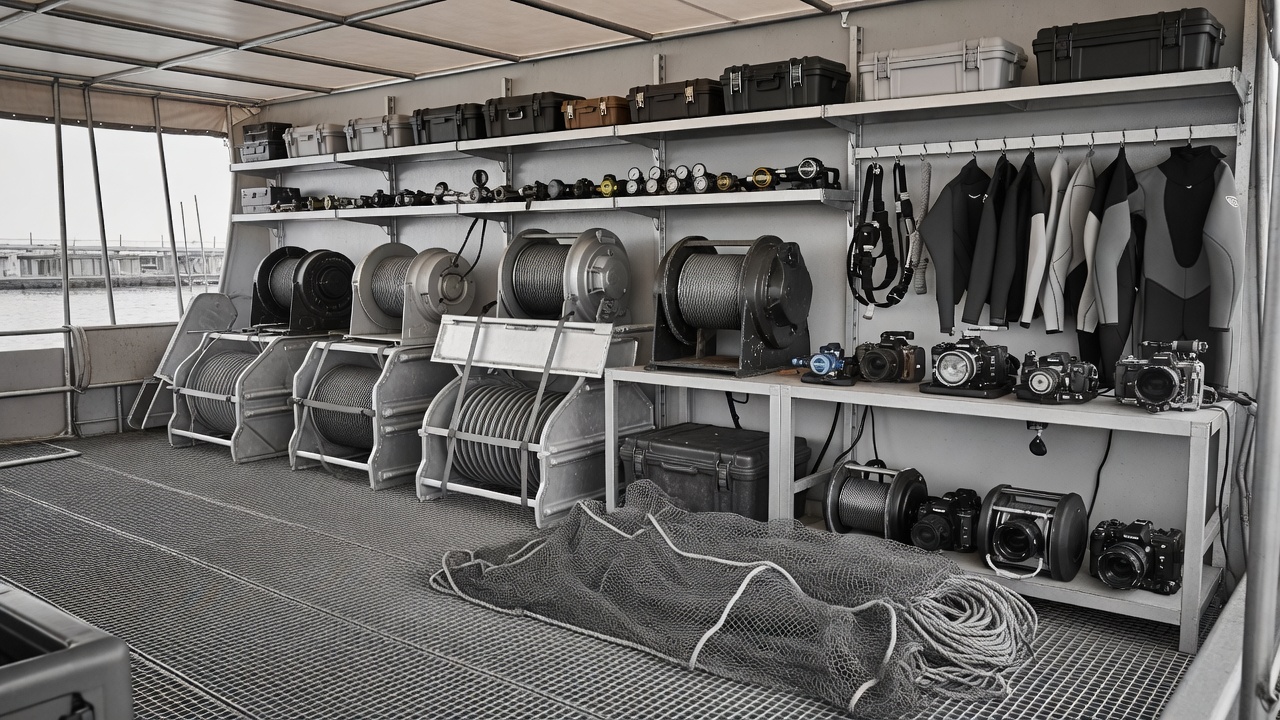
From Wet Equipment to Verified Footage
The recorded image is still vulnerable after the camera leaves the water. Separate saltwater handling from data handling, then prove what was copied before reusing the source.
Conceptual copy chain / independent destinations, documented checks.
Create a wet-to-dry boundary
Designate a wet area for equipment return and a separate clean area for opening housings and handling cards. A cramped boat bench can defeat an otherwise careful workflow if wet gloves, salt spray and exposed media share the same surface. Agree the layout and responsibilities before departure, not while the next camera deployment is waiting.
Follow the housing manufacturer's freshwater care instructions. Rinsing methods differ, and a communal rinse tank is not automatically a clean environment. Dry the exterior carefully before opening, paying attention to water trapped around controls and recesses. Manage temperature changes to reduce condensation risk, following the camera and housing guidance rather than improvising with heat.
If water ingress is suspected, do not keep powering the camera to see whether it still works. Follow manufacturer and qualified service advice. Isolate damaged batteries in accordance with appropriate safety procedures. Media recovery and electrical safety are separate issues; recovering a clip is not a reason to handle a compromised power source casually.
Make card status unambiguous
Every card needs a unique identifier and a visible state: exposed, copying, verified or released for reuse. Use a log that survives a laptop failure, whether on paper or in a separately protected record. Distinguish physical card numbers from camera-generated clip names because names may repeat across bodies, cards or resets.
Preserve the complete original folder structure. Some formats rely on sidecar files, databases or relationships that are not obvious from the main video file. Copying only files that appear playable can discard metadata or break later interpretation. Avoid renaming original camera files during ingest; organise them inside clearly named parent folders instead.
A practical folder identifier can include production, date, camera and card reference, provided the team uses the same convention. The convention matters less than consistency and traceability. Log the person performing the transfer, source identifier, destinations and completion result.
| Stage | Required evidence | Release condition |
|---|---|---|
| Ingest | Source and destination identifiers | Copy process completed without reported errors |
| Verification | Recorded checksum comparison | Selected verification process passed |
| Playback check | Representative image and audio review | No unexplained capture or decode problems |
| Card release | Approved copies and accountable sign-off | Production's retention policy satisfied |
Verification is more than a completed progress bar
A checksum compares file content through a computed value. A verified transfer process should read the source and destination in a defined way and report whether they match. A directory listing or matching file size alone is weaker evidence. Keep the verification report with the day's media documentation so another person can understand what was actually checked.
A checksum match demonstrates consistency for the content that was read; it does not prove that the original camera recorded the intended picture. Pair copy verification with representative playback checks for image, audio, duration and decoding. Inspect clips from important events and any recording that showed a warning in the field.
Tools such as Hedge and ShotPut Pro from Imagine Products support production copy workflows, but software choice alone is not a policy. Test the selected settings, report format and failure handling before the expedition. Make sure the operator can recognise an incomplete or failed job.
Separate copies and failure risks
Two folders on one drive are not independent physical copies. Separate destinations reduce some risks, while separation between locations reduces others. A commonly used 3-2-1 backup principle calls for three copies, on two media types, with one off-site. Adapt the implementation to the expedition and explain which risks remain rather than treating the slogan as a guarantee.
Do not erase cards simply because another deployment is approaching. Release them only under the production's agreed policy after its verification and copy requirements are met. Where storage or connectivity is constrained, plan more media or a different schedule instead of silently weakening the chain.
Storage standards also have distinct purposes. The SD Association and CompactFlash Association describe card technologies and performance classifications. LTO describes a tape storage technology used in some archive workflows. None of these labels alone proves that a particular card is camera-approved or that an archive has been verified.
Hand over context with the picture
Supply camera reports, lens and port information, lighting references, sound notes and any relevant viewing transforms. Identify whether proxies are derivatives and keep them distinguishable from camera originals. A grading look is not a substitute for knowing what was recorded.
Include factual uncertainties and sensitive-location restrictions in the editorial handover. Limit access to personal information and ecological details that should not circulate broadly. A dependable archive contains both intact files and enough trustworthy context to use them responsibly.
Method note: a failed copy is a stopped workflow
Keep the original unchanged, mark the destination as incomplete, preserve the error report and investigate the reader, cable, storage and power chain. Do not merge an uncertain copy into an approved set without a documented recheck.